
Date: 2018.11.20
The following explains how to build a RACHEL (Remote Area Community Hotspot for Education and Learning) server.

1. Introduction
RACHEL (Remote Area Community Hotspot for Education and Learning) is, as the name says, a server for education and learning in underserved communities.
To this end, the World Possible foundation (www.rachelfriends.org) has worked with a range of organisations and signed licences so that much of the content in this system can be distributed free of charge, and has made it available for testing on its website.
For example, the English 64 GB RACHEL server looks like this:
http://rachelfriends.org/previews/rachelpi_64EN_4.0/
Above all, the educational videos from Khan Academy, which has become hugely popular around the world, and the content of Wikipedia for Schools are the best-known resources that can be put to good use in education.
Now, let's build a RACHEL server.
Full details on setting up the server can be found in related link [1]:
http://rachelfriends.org/rachel-pi-howto.html
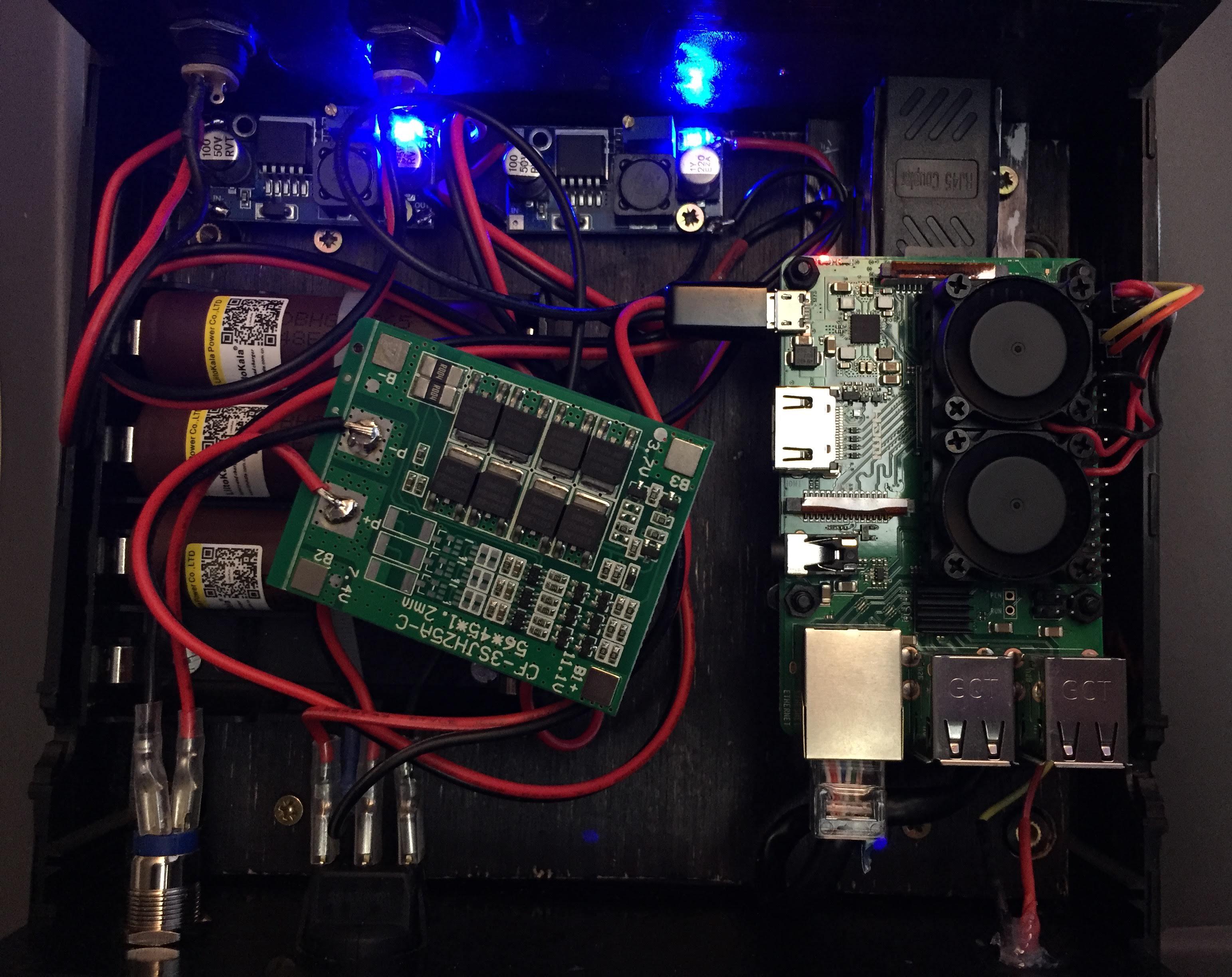
Here we have also considered how the Raspberry Pi hardware running the RACHEL server could be used in places without electricity. The hardware set-up will be covered separately.
2. What you need
- Raspberry Pi 3B+ 1 set
- SD card, 64 GB or larger
- Router connected to Internet + RJ45 cable
3. Background
The server image currently distributed by rachelfriends.org does not work on the Raspberry Pi 3B+. To get around this, you need to install a fresh Raspbian OS from scratch and then add the RACHEL features on top of it.
Detailed instructions in English can be found at the links below.
- https://github.com/rachelproject/rachelpiOS/blob/master/installer.py
- http://community.rachelfriends.org/t/raspbian-stretch-install-script/888
4. RACHEL Making
- Download Raspbian Stretch Lite for the 3B+ and write it to the SD card (64 GB or larger).
- Download the installer, rachel installer zip, and copy its contents to the boot partition of the SD card.
- Insert the prepared SD card and start the Raspberry Pi.
- login: pi
- password: raspberry
- All of the following steps are carried out in the terminal.
- First, enable SSH and set the localisation options.
- Sudo raspi-config
- ==> 5. Interfacing Options ==> SSH enable.
- ==> 4. Localisation Options ==> Select country & Select WIFI country
- Connect to the RPi from a computer using this server's IP address.
- SSH to 10.10.10.10 using PuTTY or similar
- You may need to set a new password (for example pi/raspberry).
- Sudo raspi-config
- OS update: to be safe, update the OS to the latest version.
- sudo apt-get update
- sudo apt-get upgrade
- sudo apt-get install gparted
- Rachel Install:
- cd /boot/rachel_installer
- sudo ./installer.py --wifi-ssid=ID-RACHEL
- Then wait for a long time.
- When it has finished, it reboots automatically. After that you will find the ID-RACHEL Wi-Fi hotspot and can connect to it.
- Installing modules (modules can be found at http://oer2go.org)
- Install File Share
- sudo rsync -Pavz rsync://dev.worldpossible.org/rachelmods/en-file_share ./
- Install Wikipedia (2.6 GB - ZIM version / 6 GB - static version)
- sudo rsync -Pavz rsync://dev.worldpossible.org/rachelmods/en-wikipedia_for_schools ./
- perl /var/kiwix/bin/rachel-kiwix-start.pl (without this, the wiki will not work)
- If there are problems, download and install the static version instead. sudo rsync -Pavz rsync://dev.worldpossible.org/rachelmods/en-wikipedia_for_schools-static ./
- Install File Share
- Then install further modules – this takes a very long time.
(If you are short of time, skip to the next step. You can do this later.)
- English eBooks
- African Storybook Project
- Career Girls
- CK12
- GCF2015
- KaLite (Essentials = 21.7 GB // Lite = 40 GB)
- Pratical Action (1.1 GB)
- Hesperian Health Guides (0.9 GB)
- Teacher Training (0.2 GB)
- World Map (zoom 9 = 2.6 GB // zoom 10 = 10.7 GB)
- If you have already downloaded RACHEL modules elsewhere, copy them into /var/www/modules.
- Then change the owner of the copied modules as follows (if they are owned by root):
- sudo chown -R pi:users /var/www/modules/*
- sudo chmod 755 /var/www/modules/en-kalite-ess
- When everything is done, reboot: "sudo reboot now"
- System passwords
- SSH login is pi/rachel
- The RACHEL system admin login/password is admin/Rachel+1